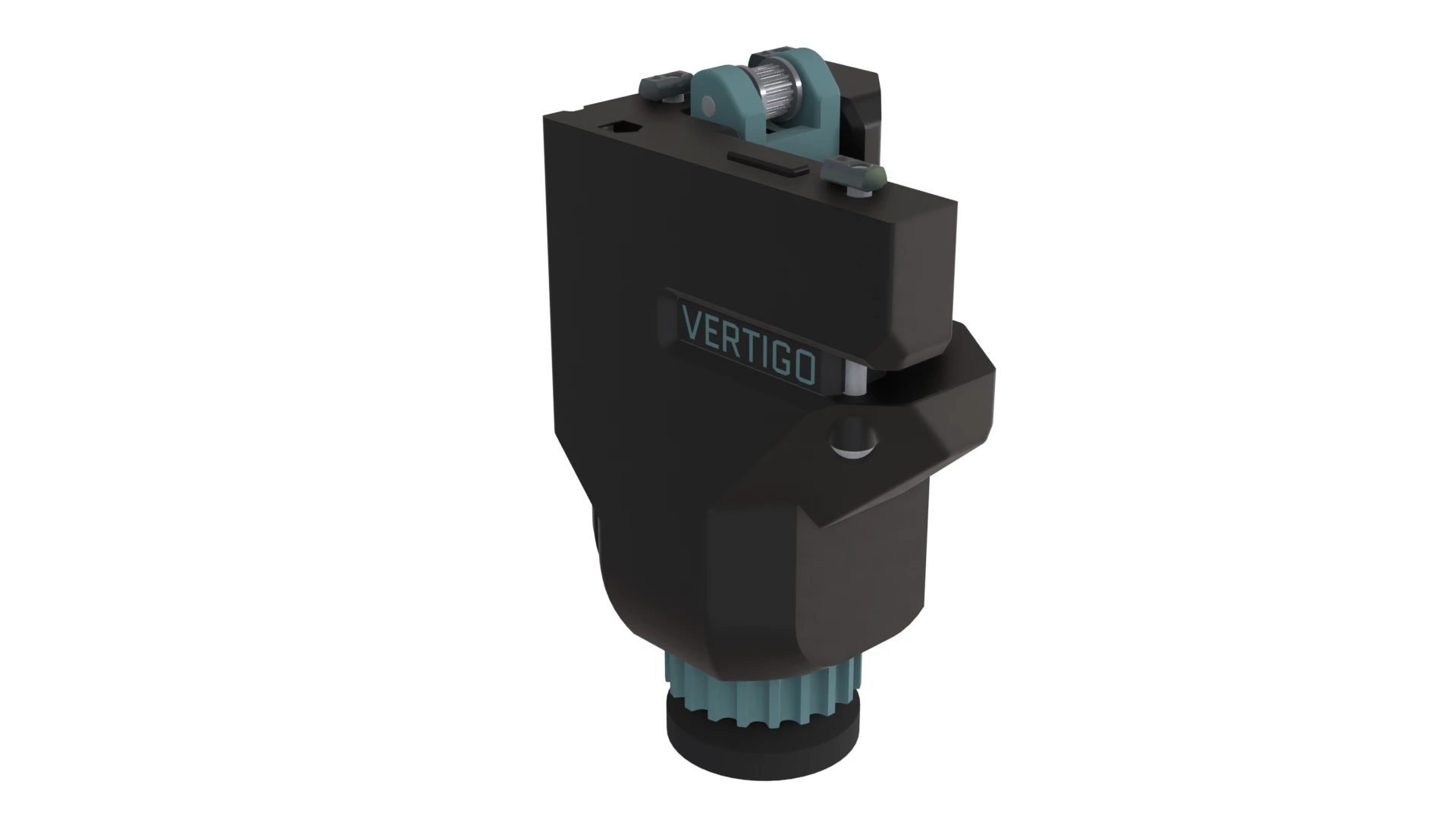
Rear Foot

Materials

The materials listed below are for one foot.

Hardware Qty
Gates GT2 20T Idler Pulley - 9mm Belt 1
M5x60 BHSC 3
M5x35 BHSC 1
M5x30 BHSC 2
M5 Hex Nut 2
M5 T-Nut 3
M8 Swivel Foot 1
M8 Hex Nut 1
M3x45 SHSC 1
M3x20 SHSC 1

Animated Assembly

Steps

1. Attach the Foot Housing to the Frame

  • Flip the printer frame upside down
  • Place the 3 M5 Roll-In Nuts into the extrusion slots
  • Use the Rear Feet Alignment Tool to align the M5 Roll-In Nuts
  • Drop the M5 Hex Nut into its hole and slide it into the slot in the Rear Foot Frame printed part
  • Attach the Rear Foot Frame printed part to the frame with an M5x35 BHCS
  • Attach the Logo Nugget to the Rear Foot Base printed parts with an M3x20 SHCS
  • Use two M5x60 BHCS to attach the Front Foot Base to the Frame

2. Attach the Swivel Foot

  • Slide the Height Adjustment Knob onto the Swivel foot, and make sure it fits over the hex nut
  • Screw the Height Adjustment Knob Cap onto the M8 thread to retain the Height Adjustment Knob
  • Place the M8 Hex Nut into the Replaceable Thread Plug
  • Slide the Thread Plug Retainer onto the swivel foot
  • Screw the Replaceable Thread Plug onto the swivel foot
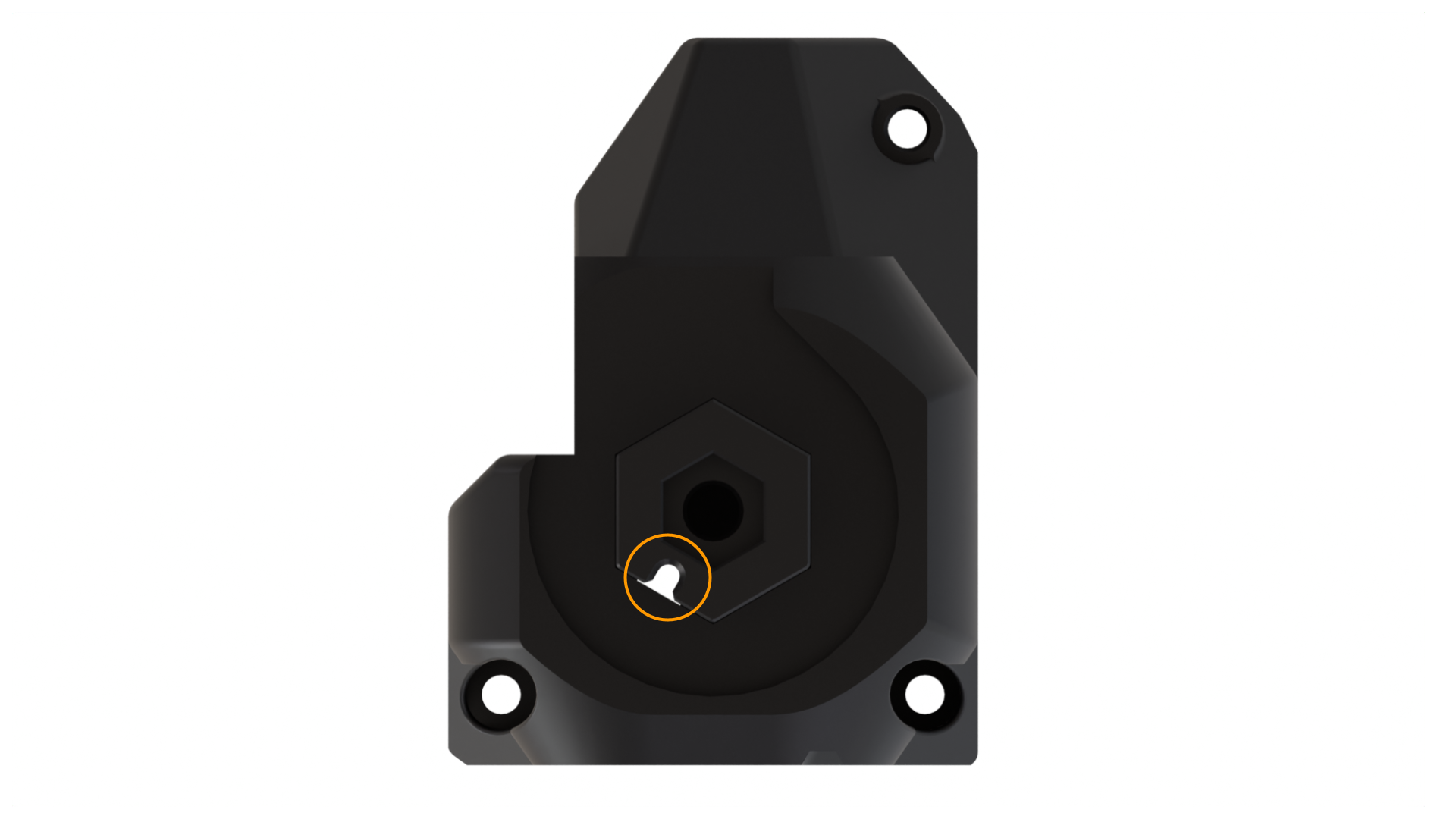
  • Align the notch on the Replaceable Thread Plug with the hole on the face of the Rear Foot Base
  • Slide the Swivel Foot Assembly into the hole in the Front Foot Base
  • Screw the M3x45 SHCS into the Front Foot Base to lock the Swivel Foot assembly in place

3. Assemble the Tensioner

  • Place an M5 Hex Nut in the Z Tensioner knob and slide the knob under the tensioner housing
  • Place an M5 Hex Nut under the Tensioner and screw an M5x30 BHCS through the Tensioner and Nut
  • Screw an M5x30 BHCS through the Tensioner and GT2 Idler Pulley - 9mmm
  • Rotate the Tensioner Knob to screw the Tensioner down, leaving about 10mm of space below the Tensioner
  • Screw the M5x60 BHCS through the Rear Foot Base, Tensioner Knob, and Foot Frame into the frame

Interactive View