
Slicer
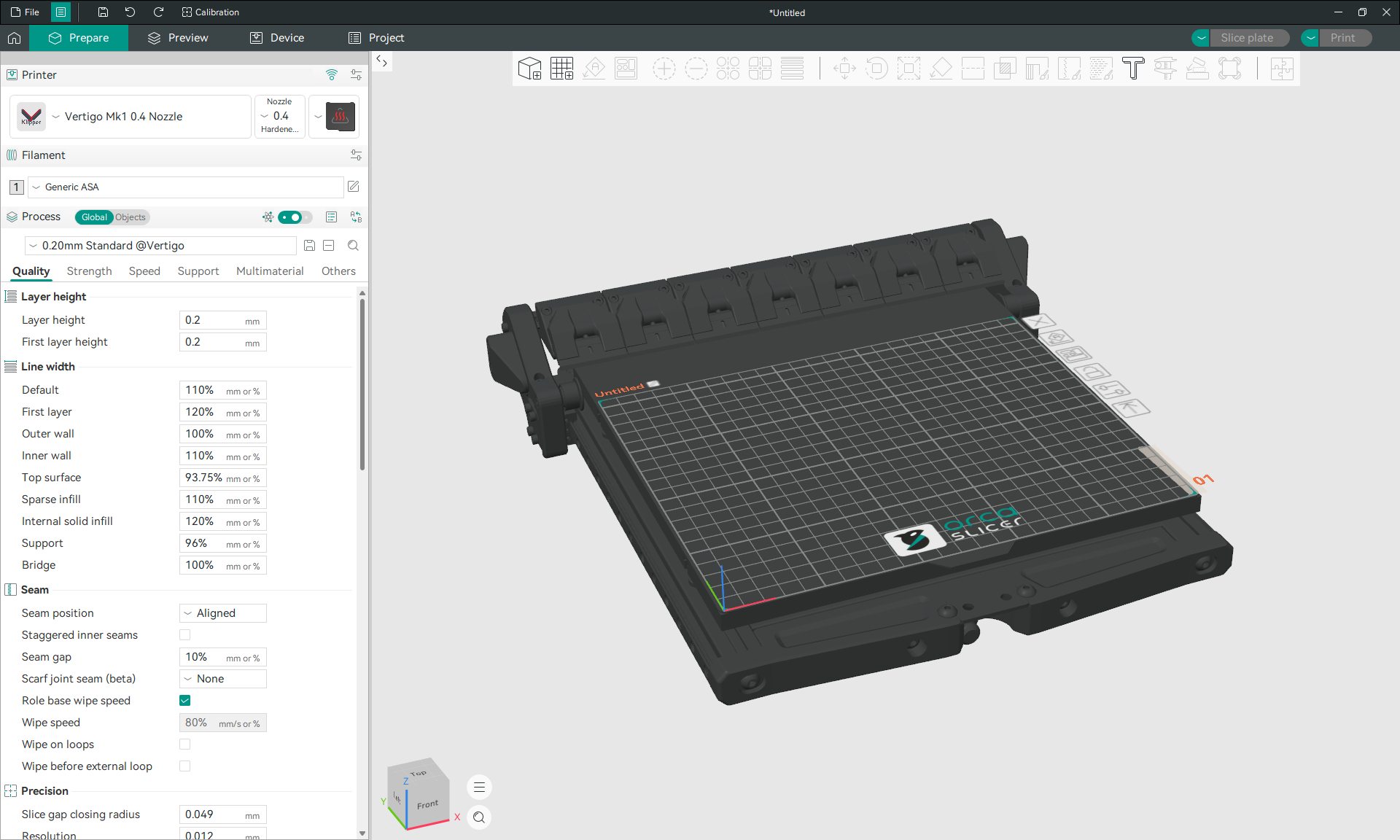
Orca Slicer Setup
- Download Orca Slicer if you don’t already have it, and install it.
- Run Orca Slicer and optionally login to your Orca Cloud account.
- Download the Orca Slicer profile for the Vertigo Mk1 from GitHub.
- In Orca Slicer, go to File > Import > Import Configs… and select the Vertigo Mk1 X.X Nozzle.orca_printer file that was just downloaded.
- Select the User Preset ‘Vertigo Mk1 X.X Nozzle’ from the dropdown in the top left of the Prepare Tab.
- Download the Slicer Bed Model from GitHub.
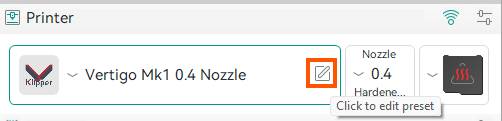
- Hover over the User Preset and click the Edit Preset icon to open the ‘Printer settings’ menu.
- Next to ‘Printable area’, click Set… to open the ‘Bed Shape’ menu.
- In the ‘Model Panel’, click Load… and select the SlicerBedModel.stl file that was just downloaded.
- Click OK, to exit the ‘Bed Shape’ menu, and click the save icon next to the User Preset in the ‘Printer settings’ menu.
Macros, Settings, and Options - WIP
Here is some general information about how to interface with the Vertigo Mk1 through Orca Slicer.
Print Start Macro - WIP
The prime line is moveable.
Filament Start Menu - WIP
The bed temp and mesh settings are overrideable, per filament.
Bed Mesh - WIP
You will get a menu to optionanally perform and save a bed mesh profile the first time you use a new Bed Type and Bed Temperature. The bed mesh profile will be associated with temperatures within +/- 5 degrees. This feature is still somewhat experimental.
In config_variables.cfg you can set a parameter to always perform an adaptive mesh rather than using saved profiles.
Config Reference
config_variables.cfg

[gcode_macro _MACRO_VARIABLES]
:
variable_adaptive_mesh: False
variable_adaptive_margin: 5
Print End Macro - WIP
PRINT_END CLEAR_BED=[True/False (1/0)] BED_COOL_THRESHOLD=[Temperature below the heated bed temp to start scraping]
CLEAR_BED will do the Vertigo part ejection bed scraping motion when set to True or 1, and will otherwise function like any other printer at the end of a print.
Print Calibration and Tuning
Orca Slicer has an excellent guide on print calibration.